
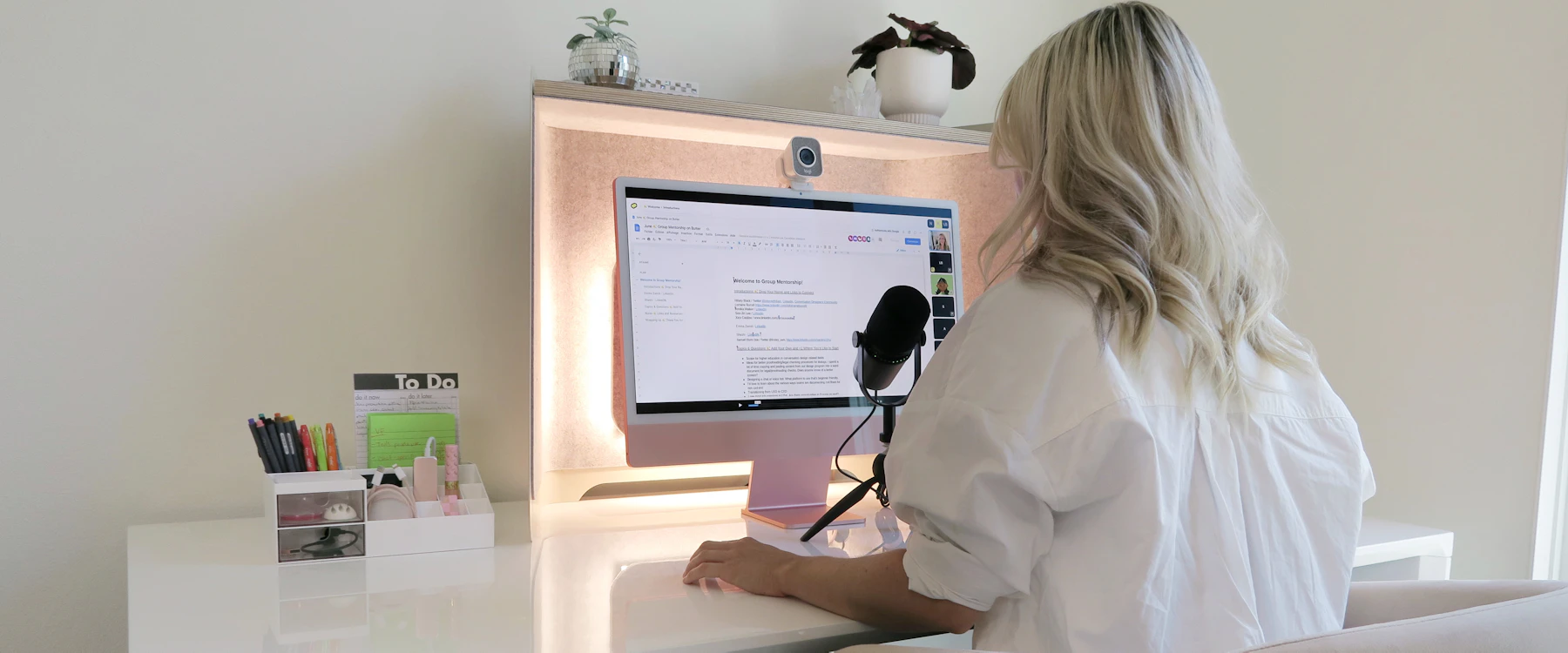
Few people watch everything on a single screen now. A clip started over lunch at a work monitor gets finished on a phone on the bus, and the weekend might involve a headset. The file on the server is identical each time, yet what reaches your eyes is not.
Below we walk through each of those rooms and note what shifts along the way. No setup wins outright. Each has trade-offs, and the right player or membership depends on which screens you actually own and use.
Before the tour: what the player has to work with
Every device hands the video player a budget. A desktop draws from the wall and sheds heat through fans. A phone runs on a battery inside a sealed case, so a long session warms it up and the system may slow things down to cool off.
Streaming services usually encode each title at several bitrates and resolutions. The player picks among them as your connection rises and falls, as long as the device can decode the codec in use and has buffered enough to ride out a sudden dip.
Worth remembering: when a title looks softer on your phone than on your monitor, the player has often switched to a lighter version on purpose to suit that screen and connection.
Room one: the desk monitor
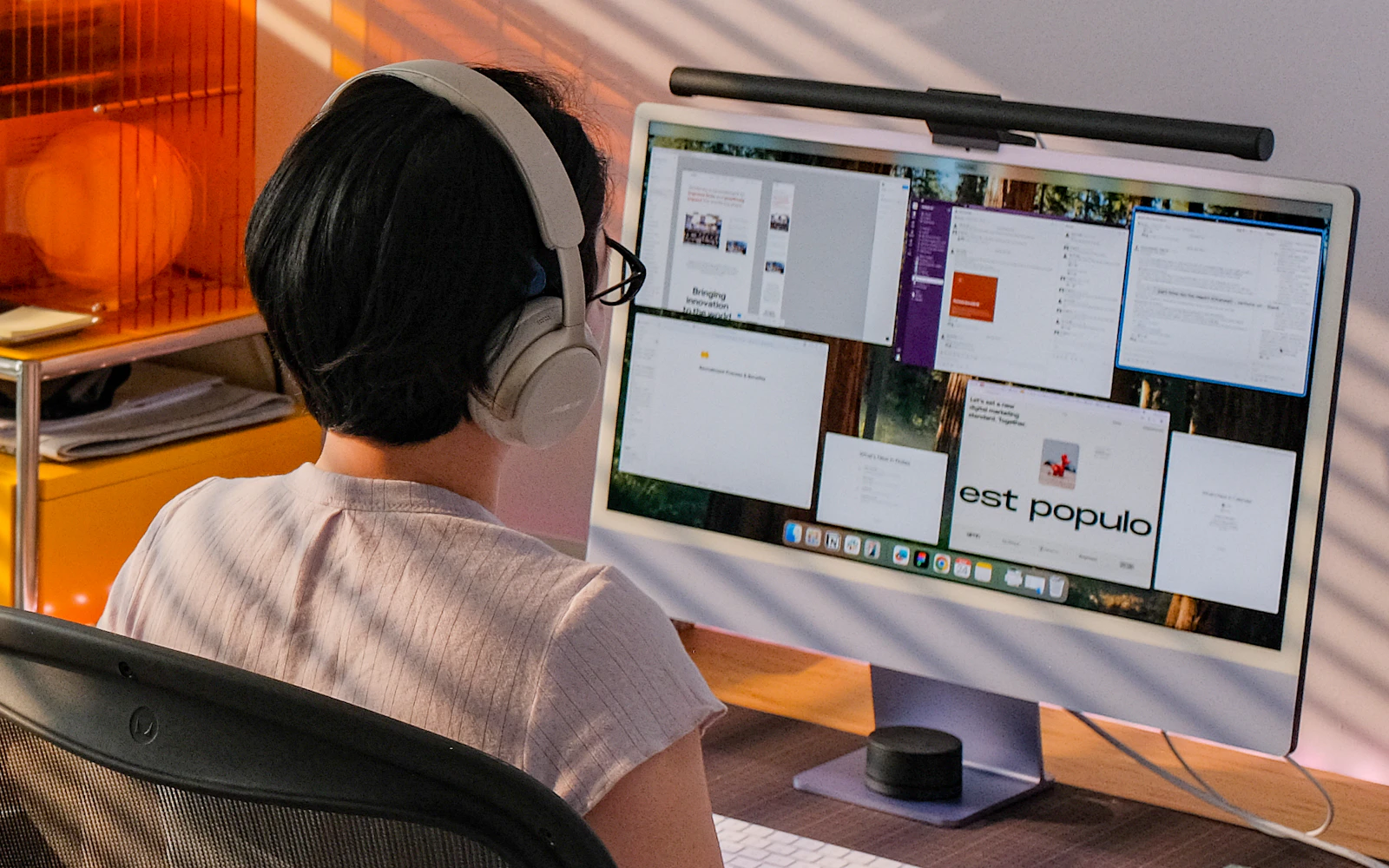
You sit roughly an arm's length from a desktop screen, and a large panel at that distance shows a lot. Banding in a sunset sky, blocky shadows and smeared motion are easier to spot here than anywhere else on the tour.
A wired connection or strong Wi-Fi usually lets the player stay on a higher-bitrate version. The graphics hardware handles decoding for common formats, though it can only display what arrived in the stream. If the source was heavily compressed, a faster GPU won't put the lost detail back, so pause on a dark, fast-moving scene and check the quality menu when judging a service.
Room two: the phone, on the couch or the commute
A phone sits closer to your face than a monitor, but its screen is so small that a lower resolution often looks fine. The bigger change is the budget. Battery, heat and a radio that hops between cell towers and Wi-Fi all compete inside the same small device.
Phones carry dedicated decoding chips, and these save a lot of energy when the stream uses a codec the chip understands. When it doesn't, the work falls to the main processor and draws more power. Screen brightness and a weak signal add to the drain too.

Wi-Fi on the couch, mobile data on the move
At home, Wi-Fi is often steady enough for a higher setting. On a train, coverage drops in tunnels and between stations, and adaptive playback steps the quality down rather than stall. A data-saver mode caps what a session uses on a cellular plan, which helps if your monthly allowance is tight.
Commuter tip: where the app and plan allow offline viewing, save the episode on home Wi-Fi the night before. Not every service or tier offers this, so look it up first.
Room three: inside the headset
A headset puts the display a few centimetres from your eyes and uses lenses to spread it across much of your field of view. Anything soft or blocky in the source gets magnified with it. Some headsets also show a faint mesh between pixels, usually called the screen-door effect. That comes from the panel itself, so a sharper video can't make it go away.
VR video is normally stored as two views, one per eye, often in a 180- or 360-degree layout. The player has to map that layout correctly and follow your head with very little lag, or the scene feels wrong and can become uncomfortable. Look for your headset model and the VR formats you want on the service's compatibility list.

Carrying your place from room to room
Moving between rooms only feels smooth if the service remembers where you stopped. With resume sync, the playback position is stored on your account, so the next signed-in device can open at the same minute. Some plans cap how many streams run at once, and some need a specific app on certain devices.
Small habit: close the video on the first device before picking up the second, so your position has time to save. It also pays to see whether resume sync appears in the plan's feature list.
Side by side: the three rooms
Desk. The screen is large and power and network are usually steady, so the quality of the source is what you notice. Compression flaws show up here first.
Couch and commute. The small screen forgives lower resolutions, while battery, heat and a changing signal set the pace. Whether the phone decodes the codec in hardware matters more than raw pixel count.
Headset. Lenses magnify everything across a wide view, so source quality, correct handling of VR formats and low tracking lag all count. Confirm device support before anything else.